How to Create an Online Wedding Invitation in 7 Steps
Follow the illustrated steps to choose a template, enter your details, personalize guest names, enable RSVP, and pay only when you are happy. Finish in 10 minutes.
Video guide coming soon
The complete walkthrough will be added here when it is ready.
Thiệp Mừng OnlineCreate your online wedding invitation
Seven simple steps, with no design skills required.
- 1
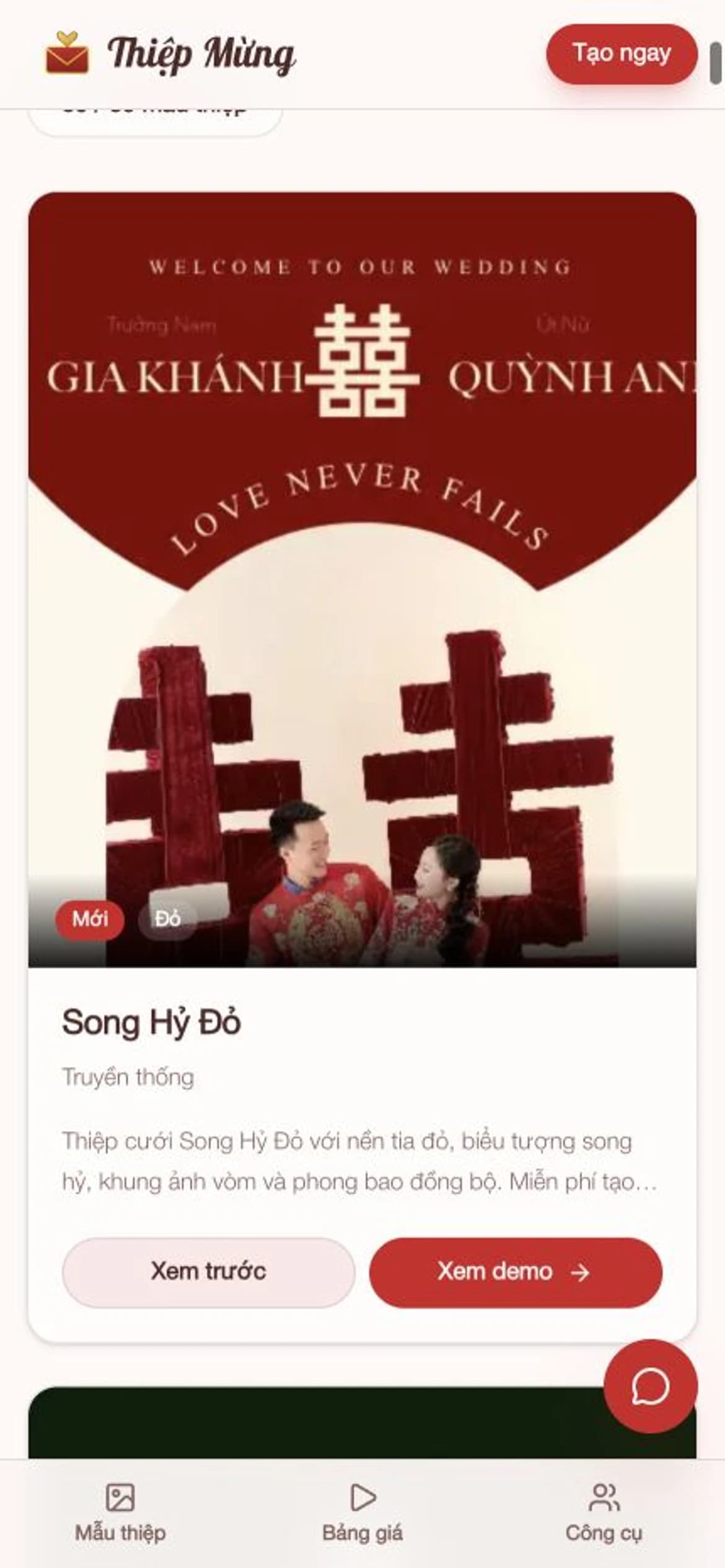
Choose a template
Pick your favorite from professionally designed traditional, modern, and minimalist wedding invitation templates.
- 2
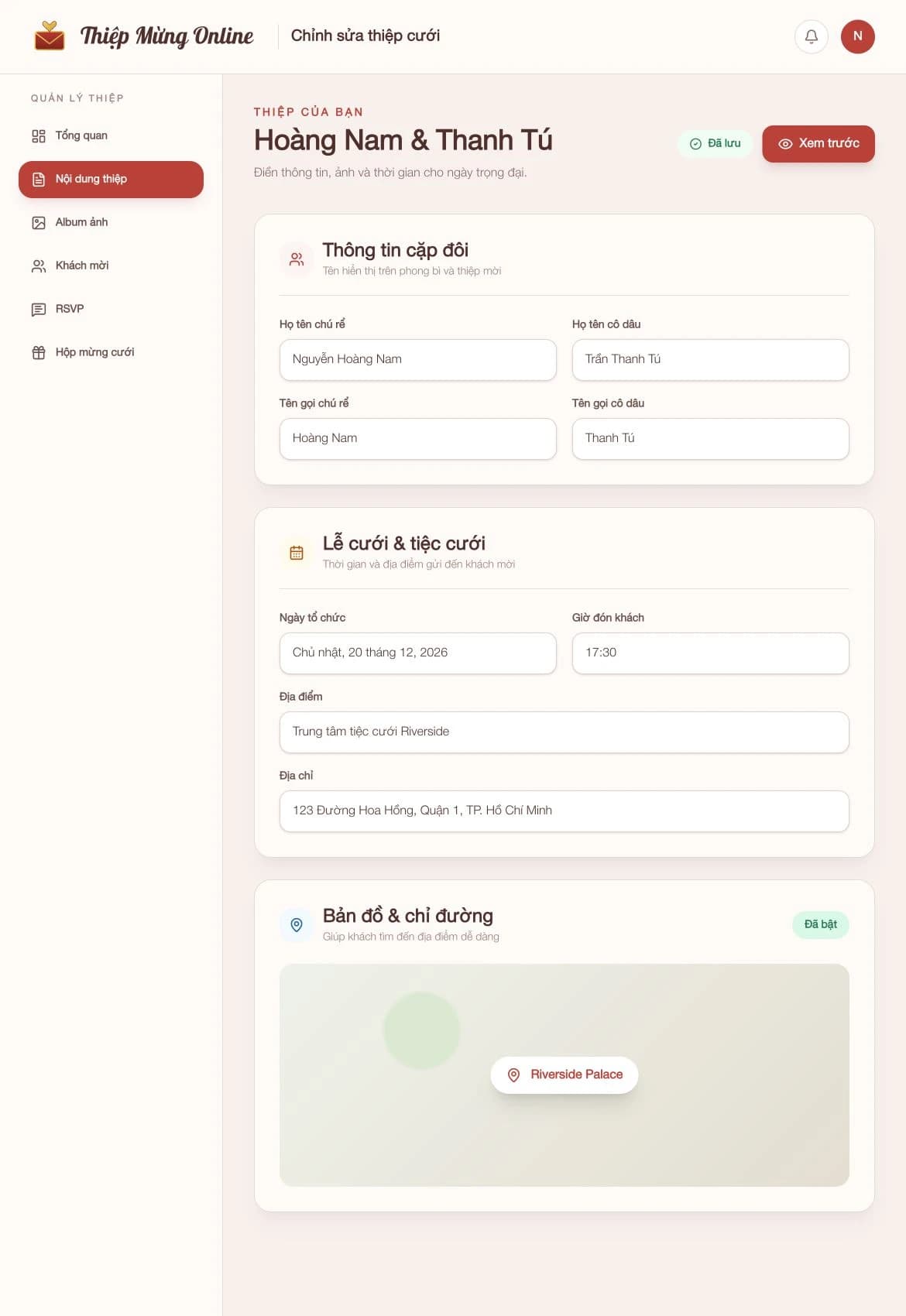
Enter your details
Add the couple, family, ceremony, and reception information in an intuitive editor with an instant preview.
- 3
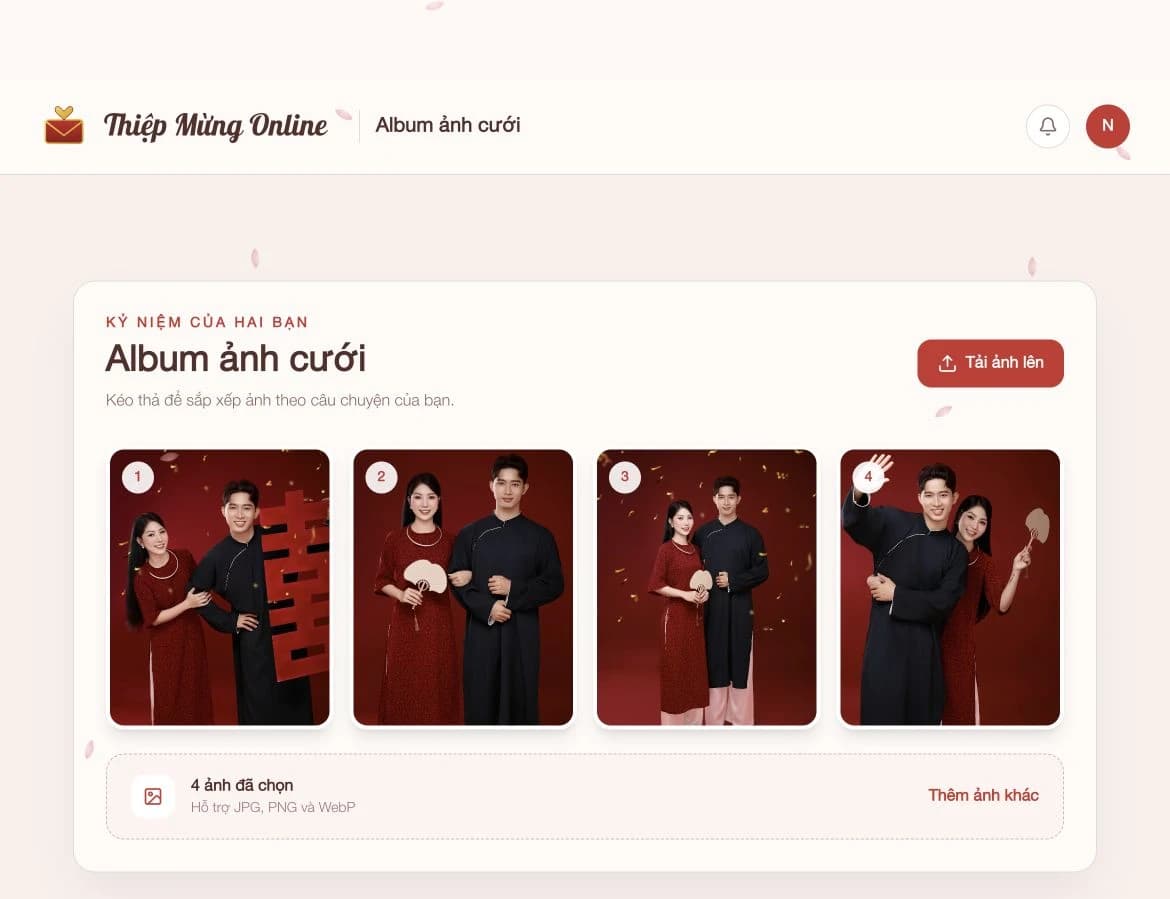
Customize the content
Add wedding photos, background music, Google Maps, bank details, and a thank-you message in one invitation.
- 4
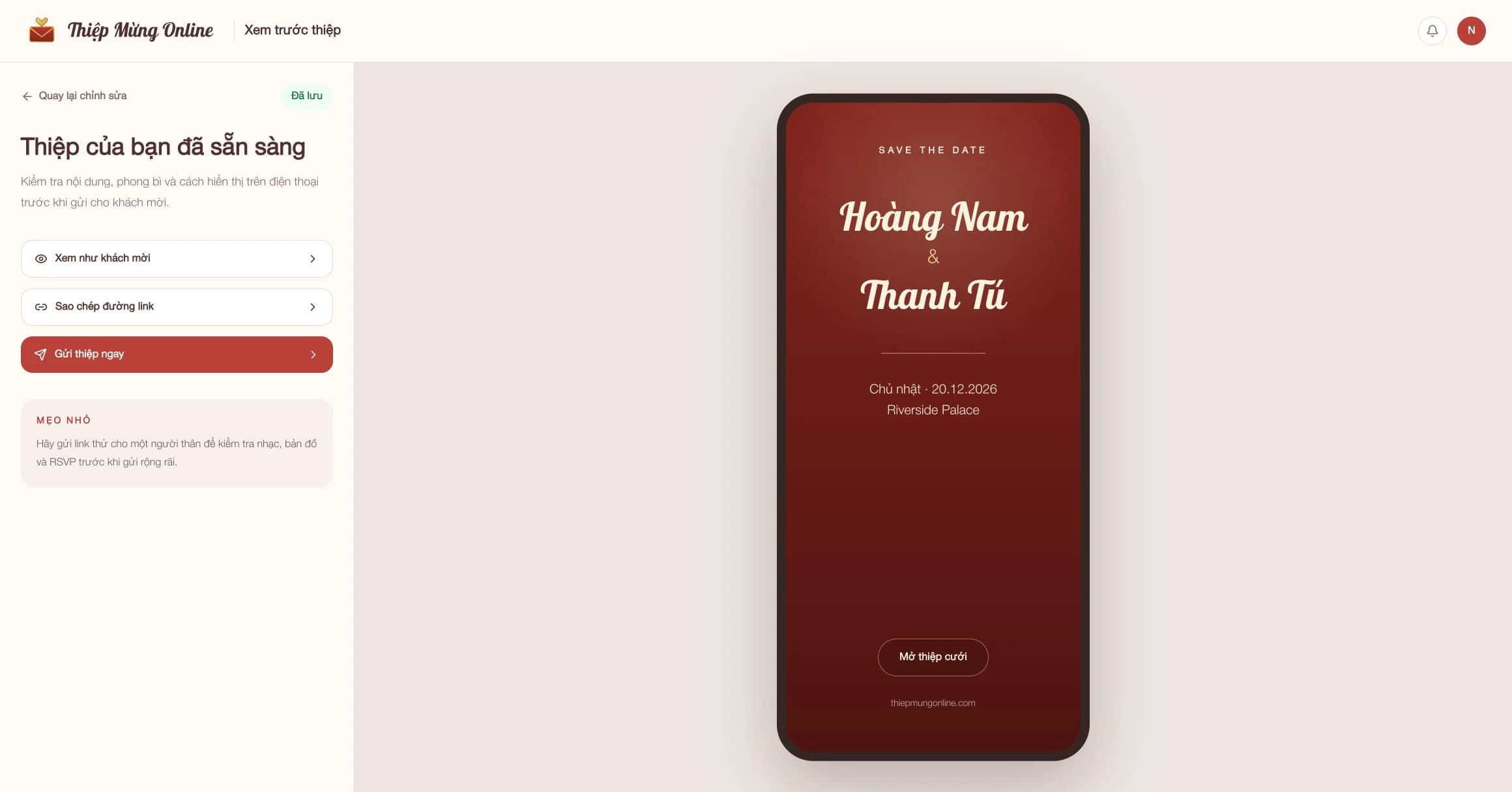
Preview the invitation
Switch between editing and preview to check the invitation before sharing. Every change appears immediately.
- 5
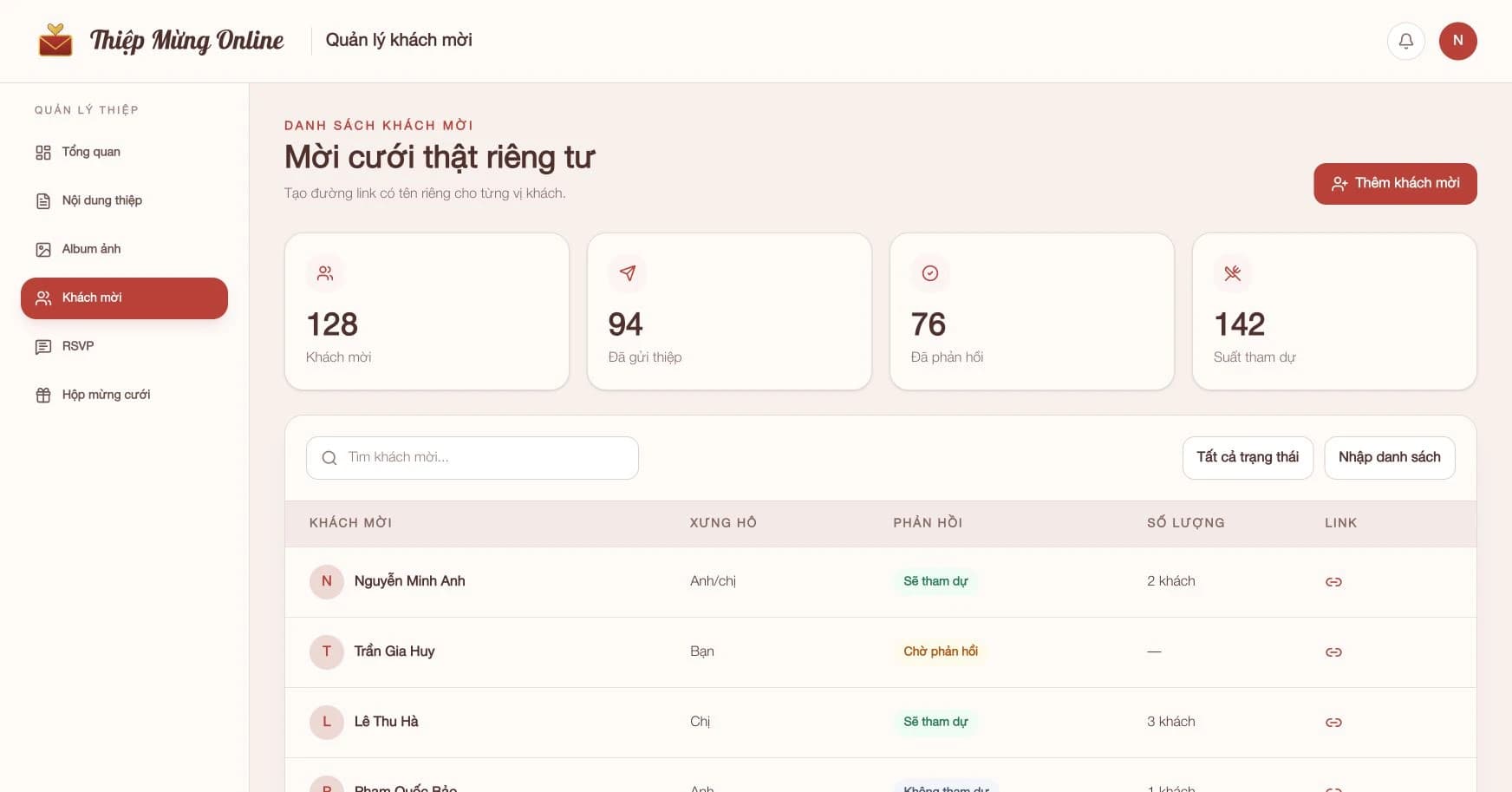
Personalize guest names
Share one general link or create a personal link that displays each guest's name for a thoughtful welcome.
- 6
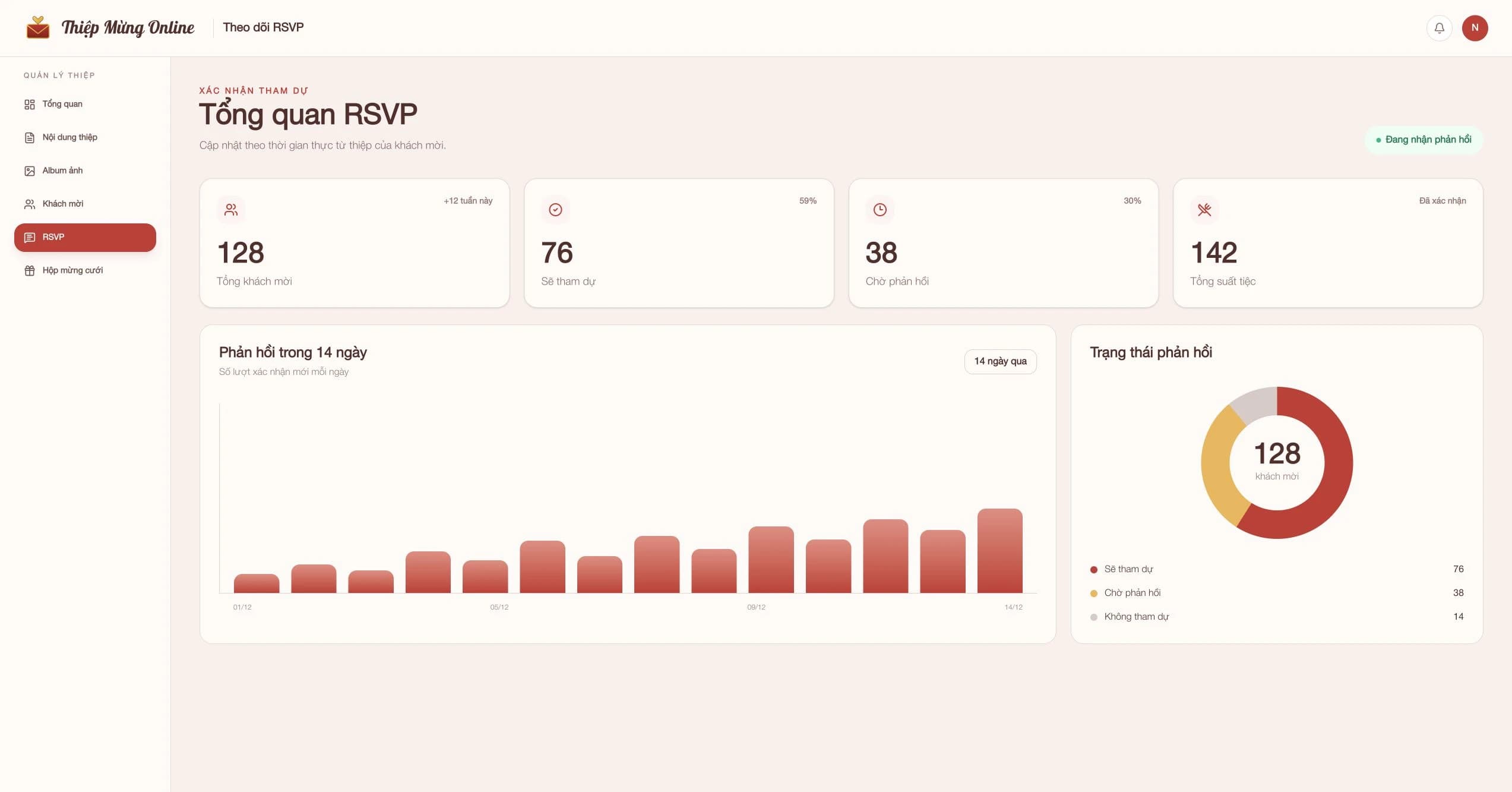
Manage RSVPs
Track responses and headcount, then add custom questions for transport, dietary needs, and other guest requests.
- 7
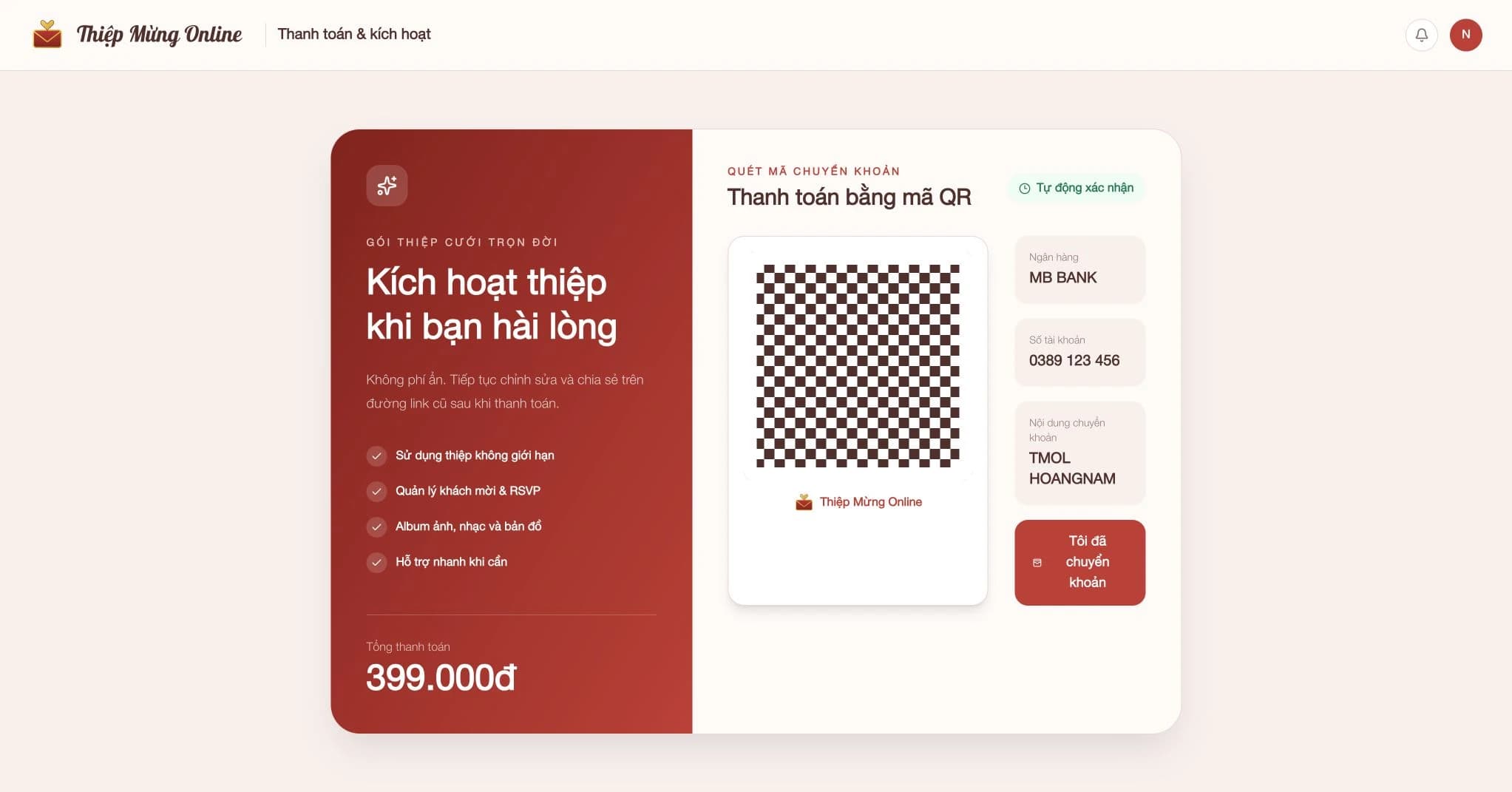
Pay when you are happy
After the three-day trial, open your dashboard and pay by bank QR or transfer. Your invitation is activated automatically.


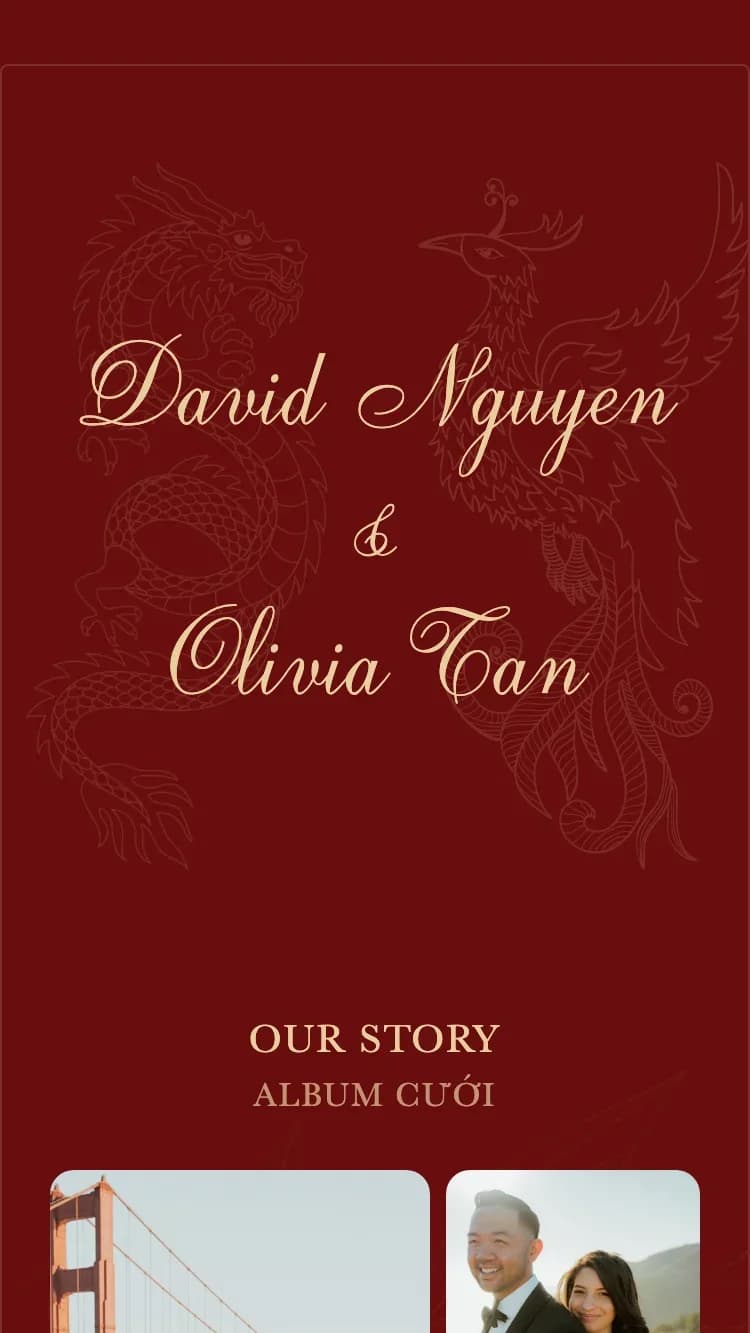
What can your online invitation include?
Everything guests need, from the couple's information to RSVP and wedding gifts, in one elegant invitation.
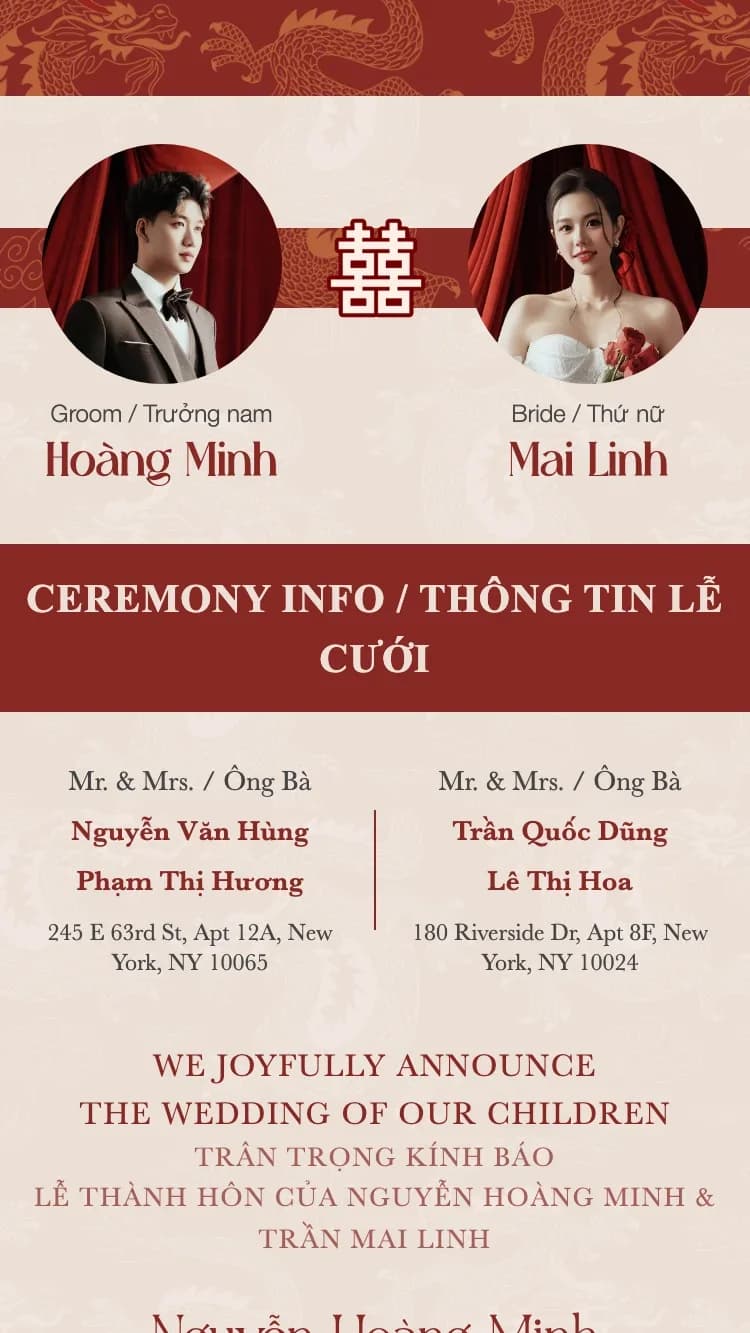
Couple information
Enter the bride and groom's full names. Short names are generated for the envelope and compact sections.
Family information
Add both families' parent names and addresses for a complete formal wedding invitation.
Wedding ceremony
Add one or more ceremony types, including the engagement, bridal procession, and wedding ceremony.
Wedding reception
Share the reception date, welcome time, meal time, venue address, and Google Maps directions.
Wedding-day timeline
Display the day's milestones in a clear vertical timeline so guests know what happens and when.
Countdown and calendar
Build anticipation with a countdown and let guests save the wedding date in one tap.
Wedding album
Upload your favorite photos to a responsive gallery with a full-screen lightbox.
RSVP
Guests respond directly on the invitation, while you manage responses and custom questions in one dashboard.
Guestbook
Guests leave wishes directly on the invitation, and you stay in control of what is displayed.
Wedding gift box
Display bank details for both sides and automatically generate QR codes for wedding gifts.
Thank-you message
Close the invitation with a personalized note of appreciation for your guests.
Invitation envelope
Create a memorable first impression with a personal greeting, guest name, and invitation line.
Background music
Choose a romantic soundtrack from the built-in music library for guests to enjoy.
Frequently asked questions
Can I create a beautiful invitation without design skills?
Absolutely. Every template is professionally designed. Choose your favorite and enter your information without adjusting layouts, fonts, or colors.
What if I do not have much time?
Ten minutes is enough to choose a template, add names and dates, and upload a few photos. You can also save a draft and return later.
Is creating an invitation really free?
Yes. Creating, editing, and previewing are free and require no sign-up. Try every feature for three days and only pay when you are happy.
What should I prepare first?
Prepare the couple and family names, ceremony and reception details, five to ten favorite photos, and bank details if you want to receive gifts by QR.
How do I share the invitation?
Send one general link or a personal guest link through Messenger, SMS, email, or any chat app. Guests can open it on phones and computers.
Can guests RSVP on the invitation?
Yes. Guests respond directly on the invitation, and you can follow every response from your guest dashboard.
How do I pay?
Open your dashboard and choose payment. Scan the bank QR code or make a manual transfer, and the invitation is activated automatically.
Can I keep editing after payment?
Yes. Change the template, photos, names, schedule, or music at any time. The original shared link updates automatically.
Helpful guides and tools
Five wedding-day milestones guests need
Write a short, useful guest timeline without mixing in your internal run sheet.
Write a wedding invitation message
Create a thoughtful invitation message for every guest relationship and language.
Online Save the Date
Plan ahead for destination weddings and guests who need to book travel.
Ready to create your invitation?
Choose a design you love and start creating your online wedding invitation today.
Create for free and only pay when you are happy